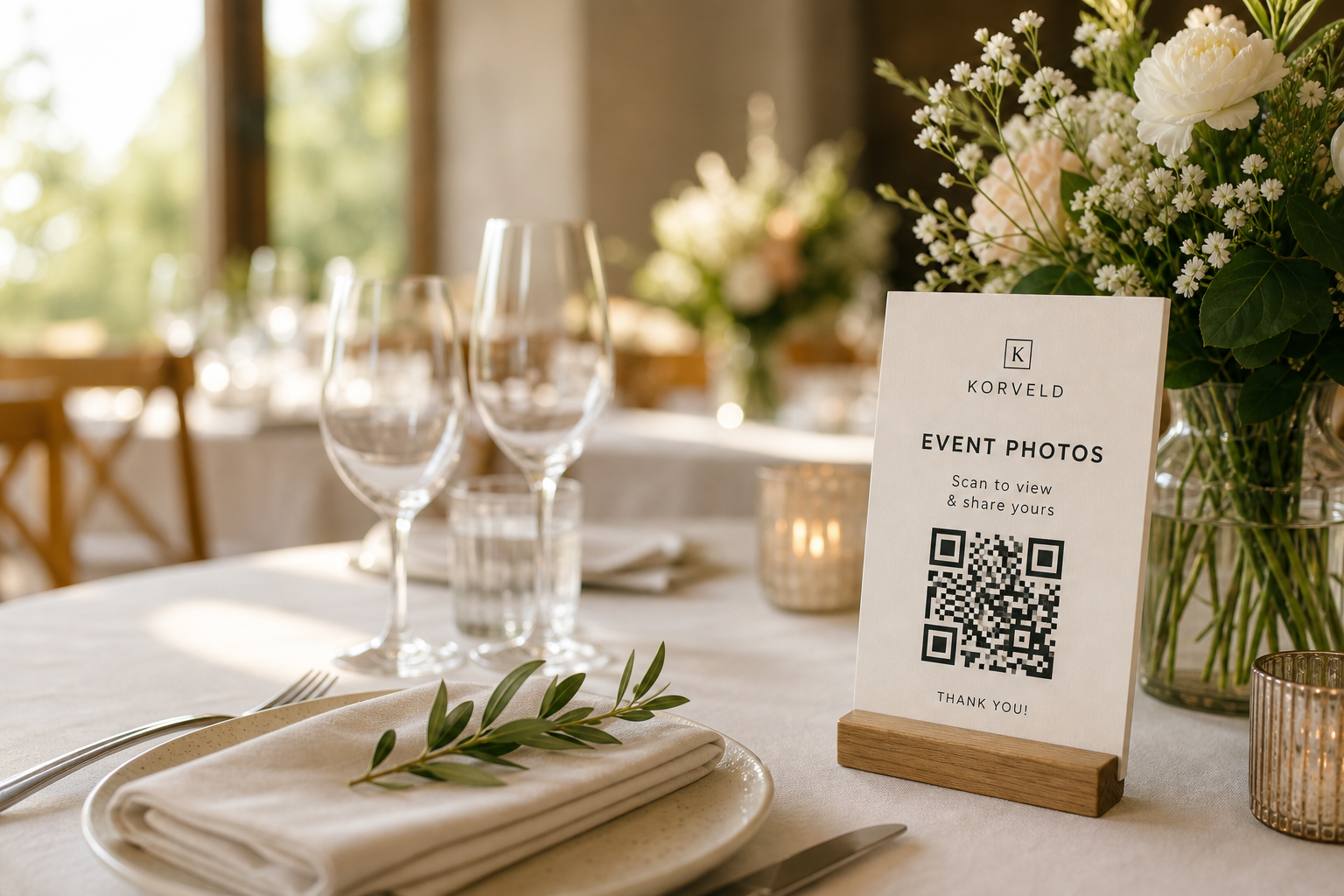
A wedding photo QR code can collect good guest photos, but it will not fix a weak upload flow or a hidden sign. Guests are not walking around the reception looking for a QR code. They scan when the request is visible, quick, and easy to understand.
Treat the QR code as the door, not the whole system. The useful system is one tested photo link, printed reminders in the right places, and one polite follow-up after the wedding.
The honest adoption plan
Why one QR sign usually underperforms
A welcome sign gets seen before guests have taken photos. By the time they have a good table photo, speech video, or dance floor clip, the entry sign is out of sight. That is why couples often say the QR code did not work when the real issue was placement.
Put the same QR code where guests already stop: reception tables, bar line, guestbook, dessert table, or photo booth. Repetition helps, but keep it restrained so the request feels like part of the event instead of a sales pitch.
Use wording that lowers the effort
Guests are more likely to act when the sign asks for one small favor. The line under the code should say what happens after the scan and what kind of photo you want.
Scan to add a few favorite photos before you leave.
Help us collect the candid moments we missed.
Got a good dance floor photo? Send it here.
Add one favorite photo from your table.
Pick the photo tool before judging the QR idea
Google Photos, Drive, Dropbox, iCloud, GuestPix, WedUploader, and other hosted galleries all behave differently after the scan. Some are fine for a budget setup. Some create login friction. Some are better when you need browser upload, videos, moderation, live slideshow, or easy downloads.
If your upload link asks guests to sign in, the QR sign should not promise a no-login experience. Test the link first, then make the sign honest.
What counts as a good result?
Guest photos will not replace the photographer. Expect table shots, selfies, short videos, blurry dance-floor moments, and details the photographer may miss. That is the point. The QR code works when it collects those informal photos without forcing you to text every guest afterward.
Ready to print
If the upload link works, print the reminders.
Start with the free sign. Use the starter kit if you want the same request on table cards, reminder cards, guest wording, and a next-morning follow-up message.
Quick answers
Do wedding guests actually use photo QR codes?
Some do, especially when the QR code is visible at tables, the bar, guestbook, or photo booth. A single welcome sign is easy to miss.
Why did my wedding photo QR code get few uploads?
The usual problems are a hard upload link, unclear wording, one hidden sign, or no reminder while guests still have the photos in mind.
Should I use Google Photos, Dropbox, or a hosted gallery?
Use Google Photos or Dropbox when cost matters and the guest path tests well. Use a hosted gallery when you need browser upload, video, moderation, slideshow, or less login friction.