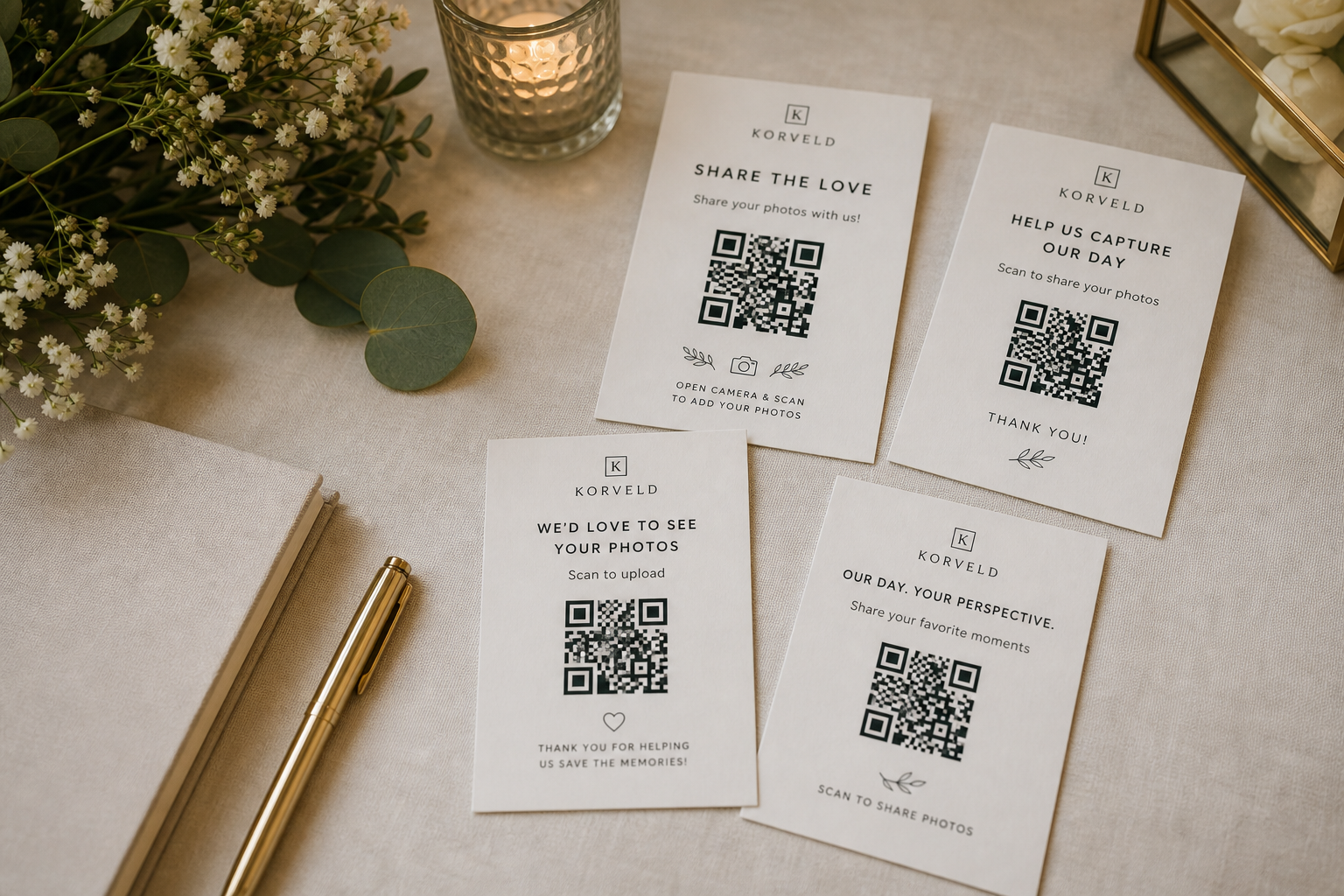
Most QR sign wording is too vague. "Upload photos" works, but it does not give guests much context. A stronger line makes the request feel like a quick favor, not another wedding task.
Keep the main line short enough to read while walking past the sign. If you want more warmth, use a second sentence below it or save the longer copy for a table card.
Copy lines by sign location
Use warmer wording when the sign has room
Small table cards can carry a little more personality because guests have time to read them. Keep the first sentence direct, then add the reason.
Help us collect the candid moments we missed.
Scan the code and add a few favorites from your phone.
Your photos help us see the night from every table.
Send the hugs, speeches, laughs, and dance floor photos.
Avoid clever lines that hide the action
The sign is there to save time later. If the wording is too clever, guests have to decode it before they scan. Say what the QR code does, then add tone.
Also avoid promises your upload link may not support. If Google Photos, Drive, Dropbox, or another tool requires a login for some guests, the sign should not promise no-login uploading.
Ready to print
Pick a line, then make the sign.
Start with the free sign. Use the starter kit only if you want the same wording carried across table cards, reminders, and follow-up copy.
Quick answers
What should a wedding photo QR code sign say?
Use a short line such as Scan to share your favorite photos, Add a few candid photos before you leave, or Help us collect the moments we missed.
Should the wording mention no app or no login?
Only mention that if your actual photo tool supports it for guests. Korveld makes the sign; the upload experience depends on the link you use.
Is funny wording okay?
Yes, if it is still clear. Put the action first, then add personality in a second sentence.