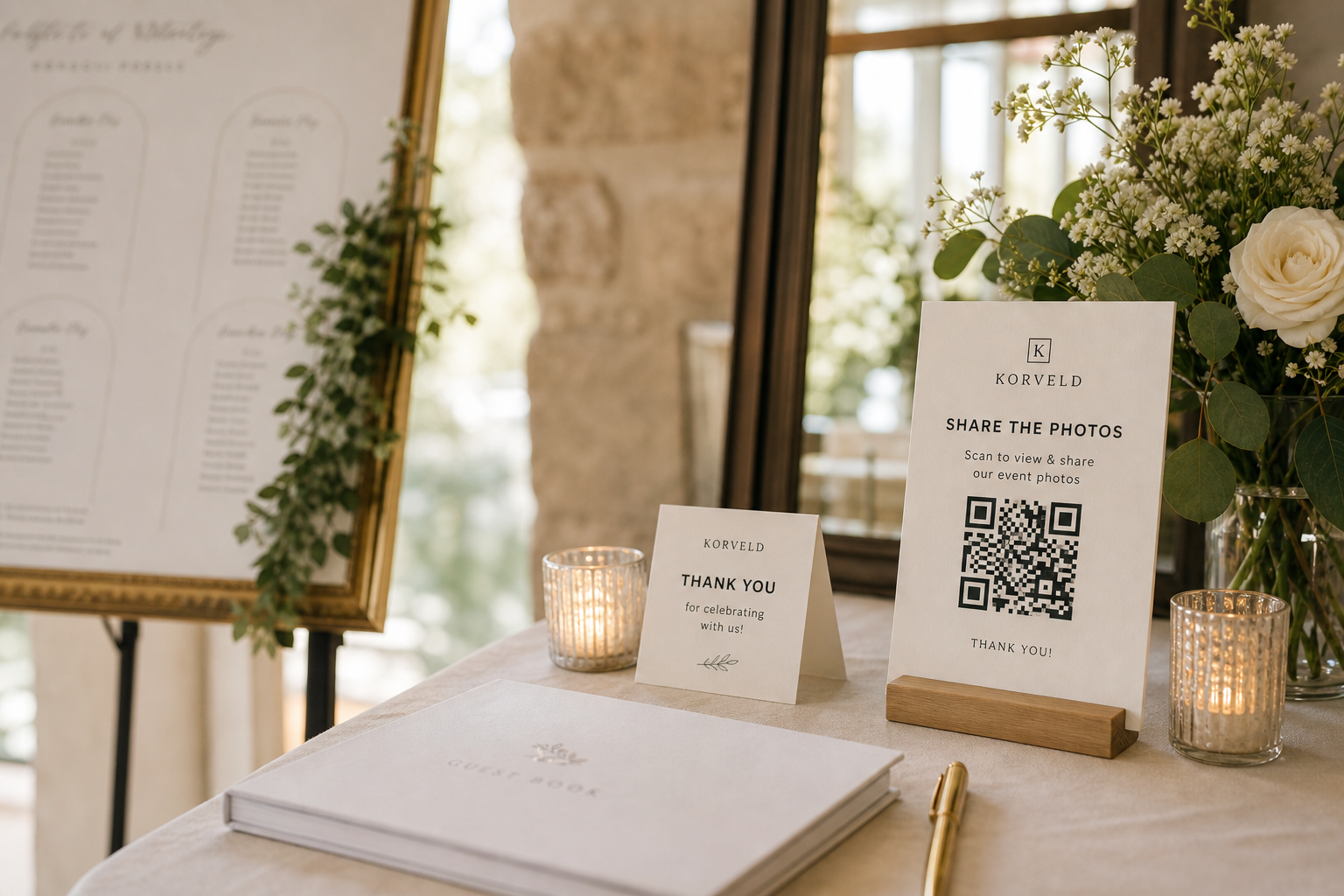
A wedding QR code sign fails when it behaves like decor. Guests notice it, think "nice sign," and keep walking. The fix is simple: place the request where guests are waiting, sitting, taking photos, or looking for instructions.
You are not asking guests to learn a system. You are saving yourself from texting twenty people after the reception asking, "Can you send me the candid photos?" The sign should make that favor feel easy in the moment.
The placement plan that gets seen
Do not make one sign do the whole job
One welcome sign is useful, but it is usually not enough. Guests see it before they have taken photos, before they know where they are sitting, and before the party has started. By the time they have the good pictures, the entrance sign is out of sight.
The stronger setup is repetition with restraint. Use the same QR code and the same short message, then adapt the format to the location: large sign at the entry, small card on the table, simple reminder near the bar.
Use wording that sounds like a favor, not a command
The copy under the QR code matters. "Upload here" is clear, but it can feel cold. A better version explains why the scan is worth doing and keeps the ask small.
Help us collect the candid moments we missed.
Scan to add a few favorite photos before you leave.
Got a good dance floor photo? Send it here.
Share your favorite photo from tonight.
Test the scan path, not just the QR code
A QR code can scan perfectly and still send guests into a confusing upload flow. Before printing, test the whole path from a phone that is not already signed into your account. Check whether guests can upload, whether they need a login, and whether the destination matches what the sign promises.
Korveld creates the printable sign. The guest experience after the scan depends on the album, folder, or gallery link you choose.
Ready to print
When the plan is set, make the sign.
Start with the free sign. Add the starter kit only if you want matching table cards, reminder wording, and a simple setup checklist for the reception.
Quick answers
Where is the highest-impact place for the QR sign?
Reception tables usually win because guests are sitting down, talking, and checking their phones. Use the entry sign to introduce the idea, then table cards to get scans.
Should every table have a QR card?
If budget and printing time allow it, yes. If not, prioritize high-traffic tables: guestbook, bar, dessert, gift table, and photo booth.
Can I use the same QR code everywhere?
Yes. Use one tested link everywhere so guests are not split across different folders or albums.