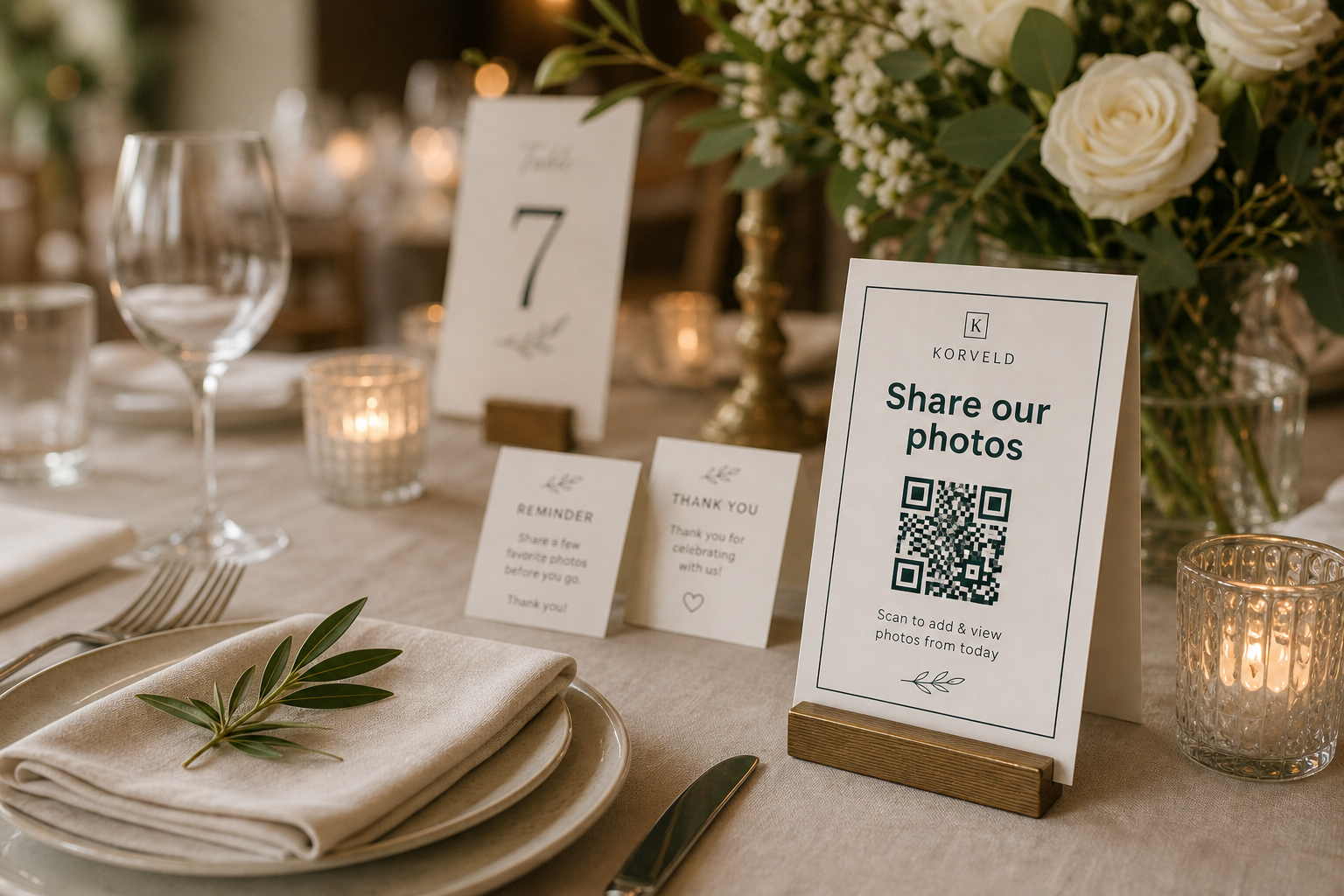
A table card is often more useful than a second large sign. Guests are already seated, talking, and taking photos. The QR code is close enough to scan without interrupting the event.
The card should not look like a dense instruction sheet. It needs one action, one QR code, and enough breathing room to feel intentional on the table.
Table card template plan
Keep the table card quieter than the centerpiece
The card should be visible, not loud. A clean border, generous spacing, and a clear QR code usually look better than a crowded design with several instructions. Guests should understand the request without the card competing with the tablescape.
Use one of these table-card lines
Share your favorite photo from tonight.
Scan to add a few candid photos before you leave.
Help us collect the moments from your table.
Got a good photo? Send it to our wedding album.
Print a proof before ordering a batch
Table cards are small, so scanning reliability matters. Print one proof at the final size, place it on a table, and scan it from a normal seated distance. If guests have to lean in or pick it up, make the QR code bigger or simplify the design.
Use the same tested link on every table card. If each table has a different link, photos become harder to collect and guests may compare instructions.
Ready to print
Make the sign, then print matching table cards.
Use the free generator for the main sign. The starter kit adds matching table cards and reminder wording when you want a full reception set.
Quick answers
What should a wedding photo QR table card include?
Use one short request, a large QR code, a brief support line, and enough white space for easy scanning.
How many table cards do I need?
Use one per reception table when possible. If printing is limited, prioritize the guestbook table, bar, dessert table, and photo booth.
Should table cards use the same QR code as the welcome sign?
Yes. Use one tested link everywhere so guest photos stay in one album, folder, or gallery.